Break language barriers in education with visual content and QR codes.
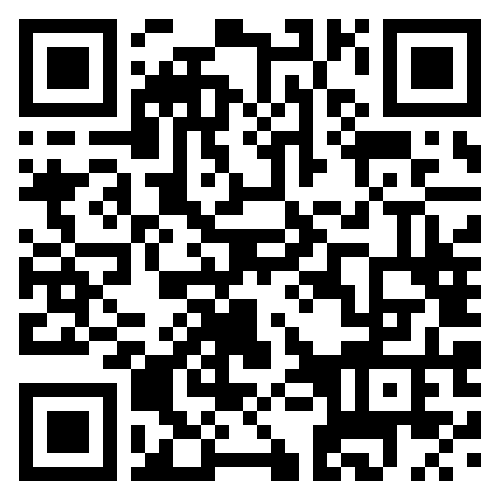
Scan a QR code on a classroom label, choose your language, and access clear, silent videos plus auto-translated information—fast, lightweight, and inclusive.
No account required. Designed for low bandwidth and shared devices.
About Scan to Choose
Scan to Choose is a digital orientation system that uses QR codes to make simple, multilingual information about educational pathways instantly accessible.
The project goes beyond standard school orientation; it is a scalable tool designed for the entire digital education ecosystem, aimed at both youth and adults.
It can be adapted to showcase various types of training programs—with different levels, durations, and goals—meeting the needs of diverse audiences.
Scan to Choose connects people's needs with local educational opportunities, promoting accessibility, inclusion, and more informed choices.
How it works
-
Scan the QR code
Use any phone camera or QR scanner to open the learning page.
-
Choose your language
Select a preferred language to read the information comfortably.
-
Watch and read
Watch a silent video and read the auto-translated info for clear, distraction-free understanding.
Built for accessibility
- High contrast colors and readable default font sizes.
- Keyboard-friendly navigation with clear focus outlines.
- Mobile-first layout that works on small screens first.
- Reduced motion support for users who prefer it.
JavaScript is optional. If it’s disabled, this page still works.